
Language keycap compatibility guide
Type in the layout you know best
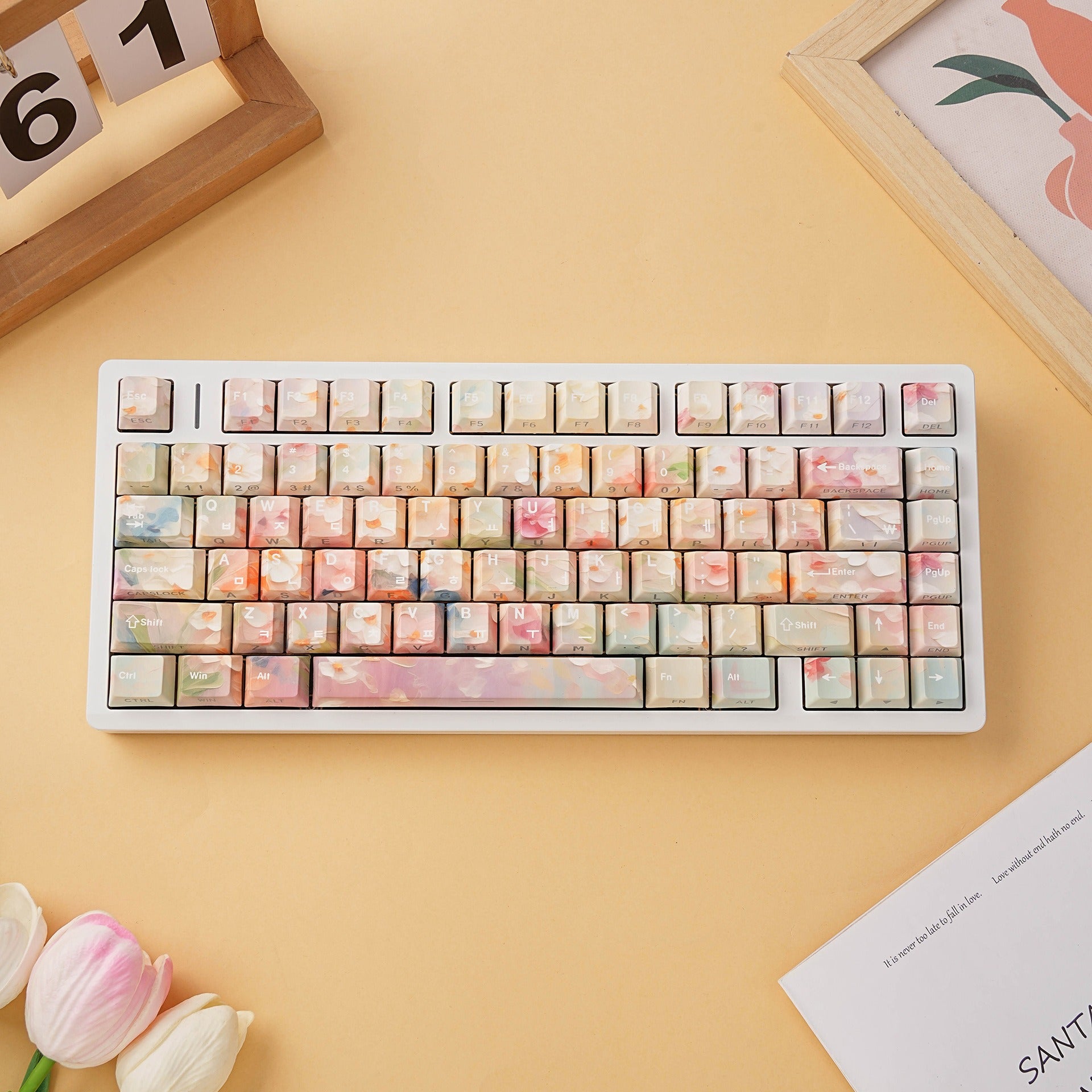
Many mechanical keyboards come with standard QWERTY legends, while many replacement keycap sets are either generic English or made for only one physical layout. SIMPOCUBIC language keycap kits combine regional legends with ANSI & ISO support, so you can use French AZERTY, German QWERTZ, Spanish, Portuguese and other familiar layouts on the keyboard you already own.
Common question
Can I use French/German/other language keycaps on a QWERTY keyboard?
Yes. If your keyboard uses standard MX-style mechanical switches, you can install the language keycaps you are used to seeing, then select the matching input layout in your system settings. SIMPOCUBIC compatible kits are designed to reduce the need to choose ANSI or ISO first: pick the legends you want, then use the product coverage image as the final compatibility check.
One language, either layout
Want AZERTY or QWERTZ on an ANSI keyboard? That is the point.
The language legends and the physical keyboard shape are separate, and supported SIMPOCUBIC kits bring them together.
ANSI and ISO explained
What ANSI and ISO mean for keycaps
ANSI and ISO are physical keyboard layouts, not language choices. Supported SIMPOCUBIC kits include the important ANSI and ISO keys together.
 Wide Enter
 Tall Enter
 Long Shift
 Short Shift + extra key
Side-by-side
ANSI vs ISO at a glance
| Feature | ANSI | ISO |
|---|---|---|
| Enter key | Wide horizontal rectangle | Tall L-shaped key |
| Left Shift | Long left Shift | Short left Shift with one extra key nearby |
| SIMPOCUBIC kit coverage | ANSI Enter and common ANSI keys | ISO Enter, short left Shift and extra ISO keys |
What changes
Your kit includes both Enter styles
Once the new legends are on your keyboard, select the matching input layout in your system settings if needed.


FAQ
Common questions before ordering
Can I turn a QWERTY keyboard into French AZERTY with keycaps?
Yes, if your keyboard uses compatible MX-style mechanical switches. Install the French AZERTY keycaps, then set your computer input language to French.
Do I need to change my computer input language?
Usually yes, if you want the characters on screen to match the new legends.
Do I need to choose ANSI or ISO when buying?
For supported SIMPOCUBIC language kits, usually no. The point of the compatible kit is to cover the common ANSI and ISO keys together, so you can start with the legends you want. Still check the product coverage image for compact layouts, split spacebars, special bottom rows or unusual keyboard sizes.
Are keyboards, switches or stabilizers included?
No. SIMPOCUBIC listings are keycap sets only unless a product page clearly says otherwise.